Tab Groups Switcher
Quickly switch between Firefox tab groups from a lightweight popup.
Capture and annotate screenshots without leaving Firefox.
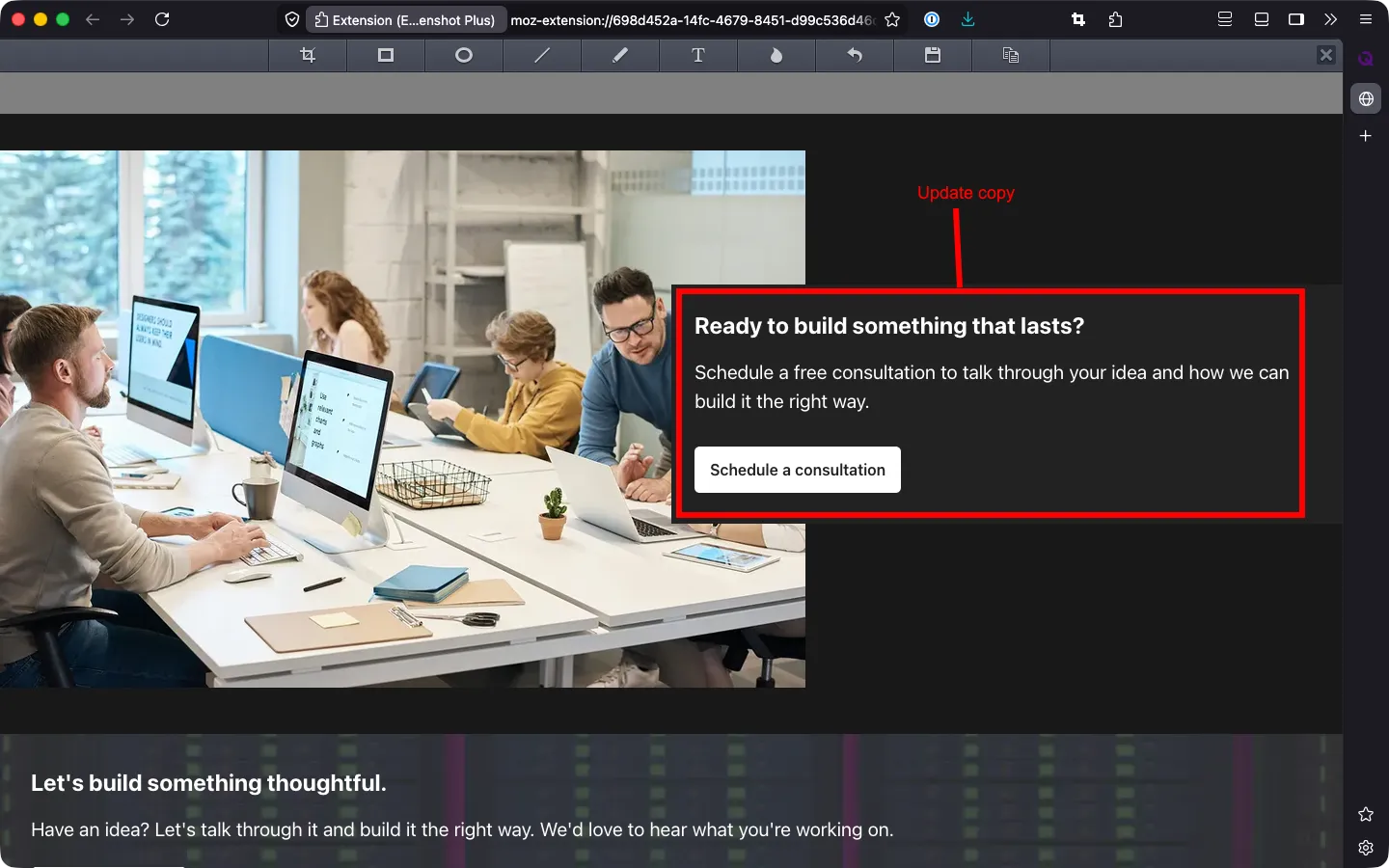
Easy Screenshot Plus is a Firefox extension based on the open-source Easy Screenshot project.
We originally started using Easy Screenshot and appreciated how quickly it allowed us to capture and annotate screenshots without leaving the browser. The upstream project had gone inactive, so we forked it to keep it maintained.
Our first release changed a few small things: the file manager no longer opens after every save unless you turn that on, and screenshots are saved with readable names like Screenshot 2026-06-07 at 6.14.17 PM.png. From there we kept going, adding features and workflow improvements throughout the extension.
Easy Screenshot Plus extends the original foundation with additional capabilities and refinements while preserving the fast, browser-native workflow that made the project appealing in the first place.
While the original Easy Screenshot project provided a solid foundation, we focused on adding features that made the extension more flexible and efficient for everyday use.
Notable additions include:
These enhancements focused on reducing friction and giving users more control over how they capture and annotate screenshots.
One particularly interesting challenge involved adding editable annotations.
The original extension rendered annotation shapes directly into the image bitmap, making them effectively permanent once created. Supporting selection, movement, and modification of annotations required rethinking that approach and introducing a model where annotation objects could be maintained independently from the underlying image.
Working through that problem deepened our understanding of canvas rendering, state management, undo/redo systems, and the tradeoffs between raster and object-based editing architectures.
Working on Easy Screenshot Plus provided hands-on experience with:
The project was also a reminder that valuable software doesn’t always begin as a blank repository. Sometimes the most impactful work comes from taking an existing tool, understanding its strengths, and thoughtfully improving it for a specific audience.
Perhaps more importantly, it reinforced how seemingly simple feature requests can expose deeper architectural constraints. A feature that appears straightforward from a user’s perspective often requires rethinking assumptions that were made years earlier in the design of the system.
How we can help
A website or app someone else built: understood first, then fixed, improved, and moved forward.
Ongoing support and maintenance
Updates, fixes, platform changes, and steady improvements for websites, web apps, and native apps, long after launch.
Quickly switch between Firefox tab groups from a lightweight popup.
Privacy-first clipboard manager for macOS.
End-to-end encrypted file sharing with single-use links.
Contact
Tell us what you’re building, or what needs fixing. We’ll get back to you as soon as possible.