Quiet Mind Creative
The Most Useful App Might Be One Your Customers Never See
Our private analytics dashboard is an internal tool nobody else will ever use, and it shows why custom software does not have to be a product you sell.
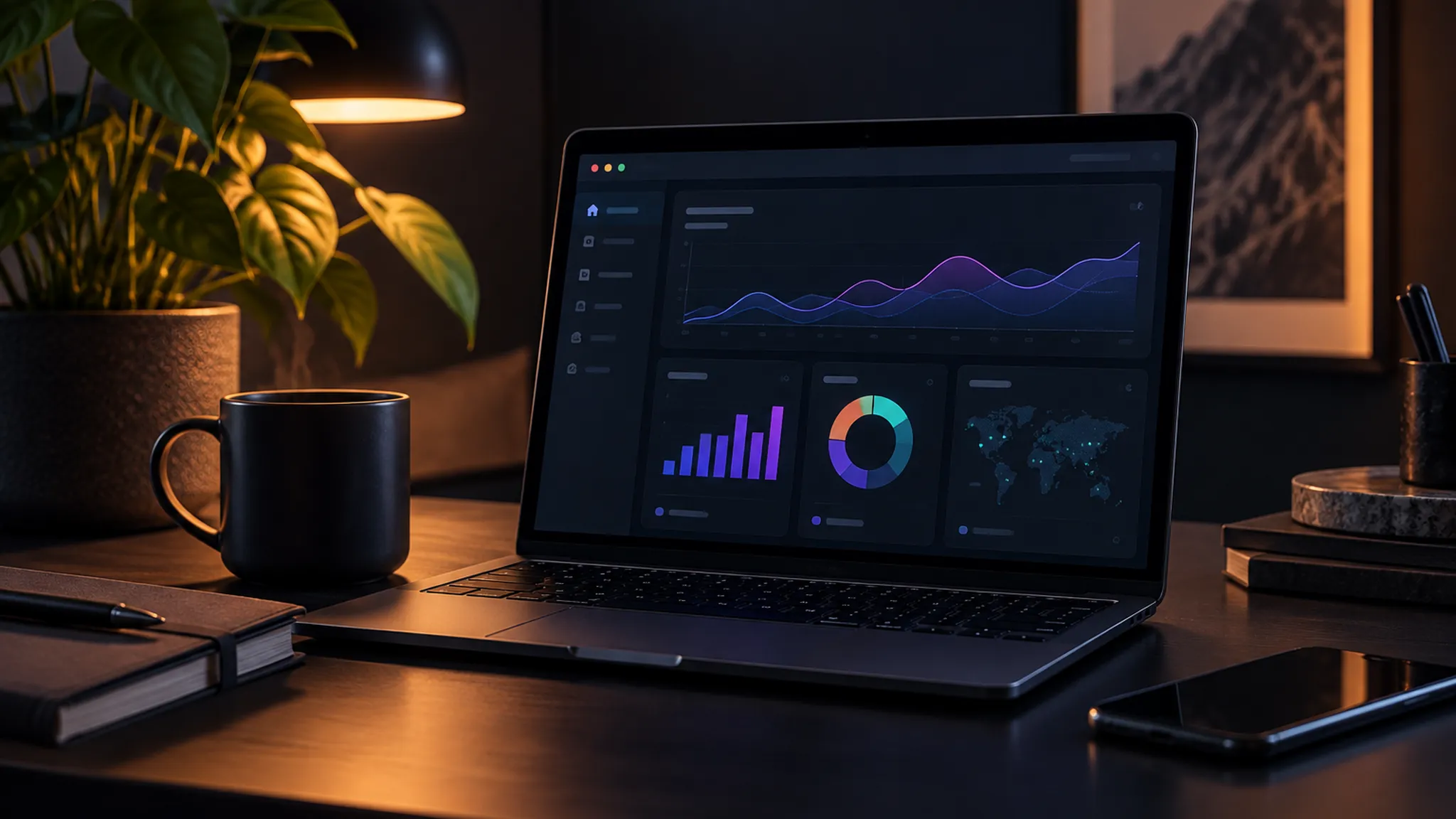
Alongside our public websites and apps, we have a private dashboard we open every morning. It pulls traffic from all of our websites into one place so we can see what’s happening across everything we’ve built. Nobody has to find it, download it, or become a customer for it to do its job. It’s there for us.
That might not be what comes to mind when someone says “custom software.” But a tool that helps you run your business is as much a web app as something you sell, and sometimes it’s the more useful of the two.
We had the data. We needed a view across it.
The dashboard brings together our Google Analytics properties and shows traffic, referrers, and trends across the sites we run. The questions behind it are ordinary ones: how are people finding our work, which blog posts get read, did a Product Hunt launch bring visitors, are people coming back. Each of those is about the whole collection. A report for one site can only tell you what happened on that site, and when we’re deciding where to put our attention across several projects, we want to see them together.
We already had access to all of this information. What we lacked was the information arranged around the questions we actually ask. We had already settled which analytics to run, so we left that alone and built a better way to look at the numbers we already had. That’s why the project stayed small. “We need a new analytics platform” and “we need one place to check our sites” are very different briefs, and only the second was ours.
Custom software doesn’t have to replace everything
Picture a weekly report that means opening three tools, copying numbers into a spreadsheet, and writing an email explaining what changed. The spreadsheet might be perfectly good, and so might the tools supplying the numbers. The awkward part is the person in the middle, gathering and arranging the same information every week.
A useful first project could automate that preparation and leave the rest alone. It doesn’t have to replace the spreadsheet, absorb all three tools, or turn into a reporting product for other businesses. The same approach works for checking which orders need attention, preparing for a client meeting, or tracking work that bounces between an inbox and a shared document. In each case the starting point is a specific job someone already does, and that job also gives the first version its boundary: do this one thing reliably, without trying to accommodate every process the business might adopt someday.
A dashboard is only one possible shape, and sometimes the right interface is a form with three fields and a button.
Internal tools still deserve good design
An internal tool doesn’t need a public marketing site or an elaborate introduction, but the people using it still need to understand what they’re looking at. Take a dashboard showing zero orders. Were there no orders, or did the connection fail? Is the report current, or is it showing yesterday’s information? Are two totals using the same date range? The answers decide whether someone can act on the screen without checking another system first.
For a tool like that, we’d make missing information look different from a real zero and make the reporting period obvious. When something fails, the interface should explain what happened instead of quietly presenting an incomplete picture.
How much polish a tool needs depends on the job. When someone has to compare thirty records, a dense table beats a spacious collection of cards. A frequently used action should be easy to reach, even if it isn’t the most visually interesting thing on the page. Designing for internal use means designing around the actual work, so employees aren’t left memorizing the rough edges.
Not every recurring annoyance needs an app
Before commissioning custom software, check whether an existing tool already handles the problem, whether two tools can be connected, or whether the process itself could be simpler. Building something creates another thing to look after. Someone has to own access, updates, and fixes when the surrounding systems change, and that responsibility belongs in the decision rather than in a conversation after launch.
The case for building gets clearer when you can describe the recurring task, point to the awkward part, and say what would improve if that part were handled properly. “We need a dashboard” is a starting point. “Every Monday, someone spends the morning assembling the same information before we can decide what to do” is a much more useful brief.
Our own example is smaller than that. We wanted a view across our websites, and we built a tool that gives us one. The fact that we open it every morning tells us more than whether it could ever become a product. Yours might be the screen you wish you could open before your first meeting.
How we can help
Web app design and development
Software people sign in to and come back to, from the interface down to the infrastructure.