Quiet Mind Creative
Do I Need an App or a Website?
You need a website either way. Whether you also need a native app depends on what your product has to reach on the device, and our own apps show where that line falls.
Somebody has told you that your idea needs an app. They might be right. It’s worth checking before anything gets built, because the answer decides who can use the product, how fast you can change it, and whether people have to install something first.
Here’s the short version. You need a website either way. You also need a native app when the product depends on something only the device can give it, like Apple Health or Reminders, or when people will open it every day and the feel of the phone decides whether they keep it. For everything else, the browser usually wins: it reaches every device, it updates the moment you deploy, and there’s no review queue between you and a fix.
We’ve built products on both sides of that line, all our own rather than client work, and they show where it falls.
Website, web app, or native app
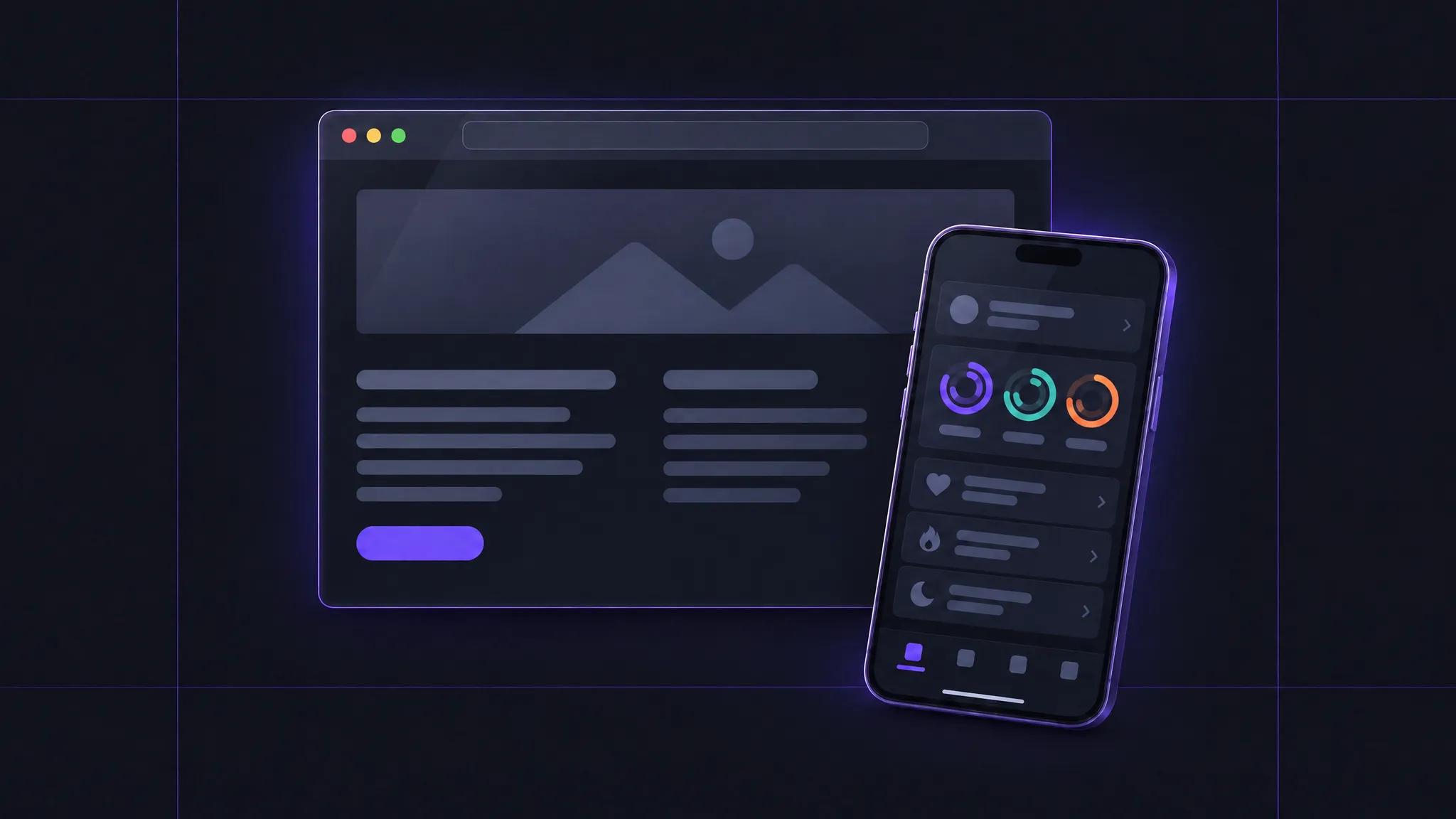
The question usually comes with two options, but there are three. If people mostly read, compare, and get in touch, that’s a website. If they come back to get work done, saving things and often signing in, that’s a web app, which also runs in the browser. A native app is what most people mean by “an app”: usually installed from the App Store, and built for a particular platform like the iPhone or the Mac.
They overlap more than the question suggests. Burn After, our app for sharing files through single-use links, is a website at the front door and an app behind it. Each of our seven native apps has a website of its own, and the App Store asks for part of one anyway: every listing needs a support URL where people can reach you, and a privacy policy linked from both the listing and the app.
So for most ideas, the decision is whether you need an app as well as the website. Wrapping the website in an app isn’t much of a shortcut, since Apple’s guidelines ask an app to have “features, content, and UI that elevate it beyond a repackaged website.”
What only a native app can reach
Some ideas settle the question on their own. Log Nutrients is the cleanest example we have. You log a meal, and it writes the calories, protein, sodium, and potassium into Apple Health, then works out your calorie deficit from the energy your Apple Watch recorded. Health data lives in a store on the iPhone and the Apple Watch, and apps reach it through Apple’s HealthKit framework, with permission for each type of data. There’s no way in from a web page. A website could ask you to type in your lunch, but it couldn’t save it to Health or see what your watch measured, and that’s most of what Log Nutrients does.
Reminders and Calendar are the same story, through Apple’s EventKit. Rotate Meals sends the ingredients on your shopping list to Apple Reminders, into whichever list you pick, and Calendar Heatmap turns a year of your calendar into a heatmap of where the time went. A web app can connect to Google Calendar or Outlook through their own APIs, but it can’t see the calendars or reminders on your phone.
On the Mac, HyperPaste keeps a searchable history of what you copy, in any app, and opens from a keyboard shortcut wherever you are. A web page can only read the clipboard while you’re on it, and only when you allow it (MDN), and it never sees a shortcut you press in another app.
Where native is better, but not required
The web can partly match the other reasons for going native, and this is where progressive web apps, or PWAs, come up: web apps people add to their Home Screen and open like an app.
Sync is one. Momentum, our workout tracker, keeps your routine and history on the iPhone, and if you turn on iCloud sync, they follow you across your Apple devices through your own iCloud account. Nobody signs up, and no server of ours holds anyone’s workouts. A web app that wants the same thing usually needs its own accounts and a database.
Working offline is another. Rotate Meals keeps your meals, plans, and ingredients on the device, so the week’s plan is there with or without a signal. A web app can work offline too, with a service worker that caches what it needs. In Safari, though, a site’s stored data, offline cache included, is deleted after seven days without any interaction with the site, unless the site has been added to the Home Screen.
Daily use is the hardest to put in a feature list (we tried, for the Mac, in What Makes a Mac App Feel Like a Mac App?). Momentum is a daily checklist, and it reminds you and badges its icon, all scheduled on the phone with no server involved. Since iOS 16.4, a web app on an iPhone can send notifications and badge its icon too, but only after it’s been added to the Home Screen, and a reminder that arrives while it’s closed has to come from a server.
The offline exemption and the notifications hang on the same step: the person adding your web app to their Home Screen. On an iPhone, that happens from the Share menu, and a site can’t put its own Install button on the page the way it can in Chrome (MDN). Since iOS 26, any site added there opens as a web app by default, but the person still has to find the option and choose it. If your plan depends on people installing your web app, design for the ones who won’t.
What the browser does better
The browser’s biggest advantage fits in a single link. When someone sends a file with Burn After, the recipient opens the link on whatever phone or computer they have. Burn After’s FAQ puts the recipient’s side in six words: “No signup, no password, no app.” As an iPhone app, every recipient would need an iPhone, and then the app, to open one file.
Guitar Chords and Meal Plans work the same way. You open the page, build a chord diagram or a meal plan, and export it: SVG or PNG for a diagram, JSON or Markdown for a plan. Neither asks for an account or needs anything a browser can’t provide.
Shipping is different, too. A web app updates the moment you deploy: when Burn After’s launch feedback was about trust, we moved its encryption into the browser, and the change reached everyone with a deploy. On the App Store, every app and update goes through App Review, which Apple says typically handles at least half of submissions in under 24 hours and 90 percent in under 48. That’s quick, and you can ask for an expedited review of a critical bug fix, but it’s a step you don’t control.
Then there’s the second platform. Rotate Meals runs on iPhone and iPad as one app, and SwiftUI makes sharing that code practical. Android would be a separate app, built with different tools for a different store. A web app covers all of them from one codebase, though every screen size still needs design work. If your customers are split between iPhone and Android, native means building two apps or leaving some people out.
Three food apps, two answers
Three of our products are about food, which makes them a useful test. Log Nutrients writes to Apple Health and Rotate Meals sends its shopping list to Reminders, and no browser can do either. Meal Plans is for working out a plan in detail, adjusting foods while it totals calories, macros, sodium, and potassium, then exporting it for a nutritionist, a trainer, or an AI tool. Nothing in that needs the phone. Same subject, two answers: what an app is about tells you very little about where it should live.
What to build first
Before you talk to anyone about building it, write down what the product has to touch and how often people will use it. Then work down this list.
- If it needs something only the device has, like Apple Health, Reminders, Calendar, or the clipboard on a Mac, build a native app for that platform, with a website to go with it.
- If it doesn’t, but people will open it every day and it needs reminders, offline use, or sync without accounts, native is probably worth a build per platform and a review for every update. A Home Screen web app gets partway there, for the people who install it.
- Otherwise, start in the browser: a website if people read, compare, and get in touch, or a web app if they come back to get work done. If it becomes something people use every day, an app can come later, and by then you’ll know which platforms your customers are on.
If you can’t tell which of these your idea is, tell us about it. We build both, and if an app isn’t the right call, we’ll say so.
How we can help
Swift and SwiftUI apps that behave like they belong on the device, shipped through the App Store.
Web app design and development
Software people sign in to and come back to, from the interface down to the infrastructure.
Website design and development
Marketing, product, and content sites, designed and built down to the details, then launched and looked after.